See inside every PSD, AI & After Effects file —
right in Windows Explorer.
Stop opening six files to find the right one. Every feature is free, for everyone.
See it in 20 seconds
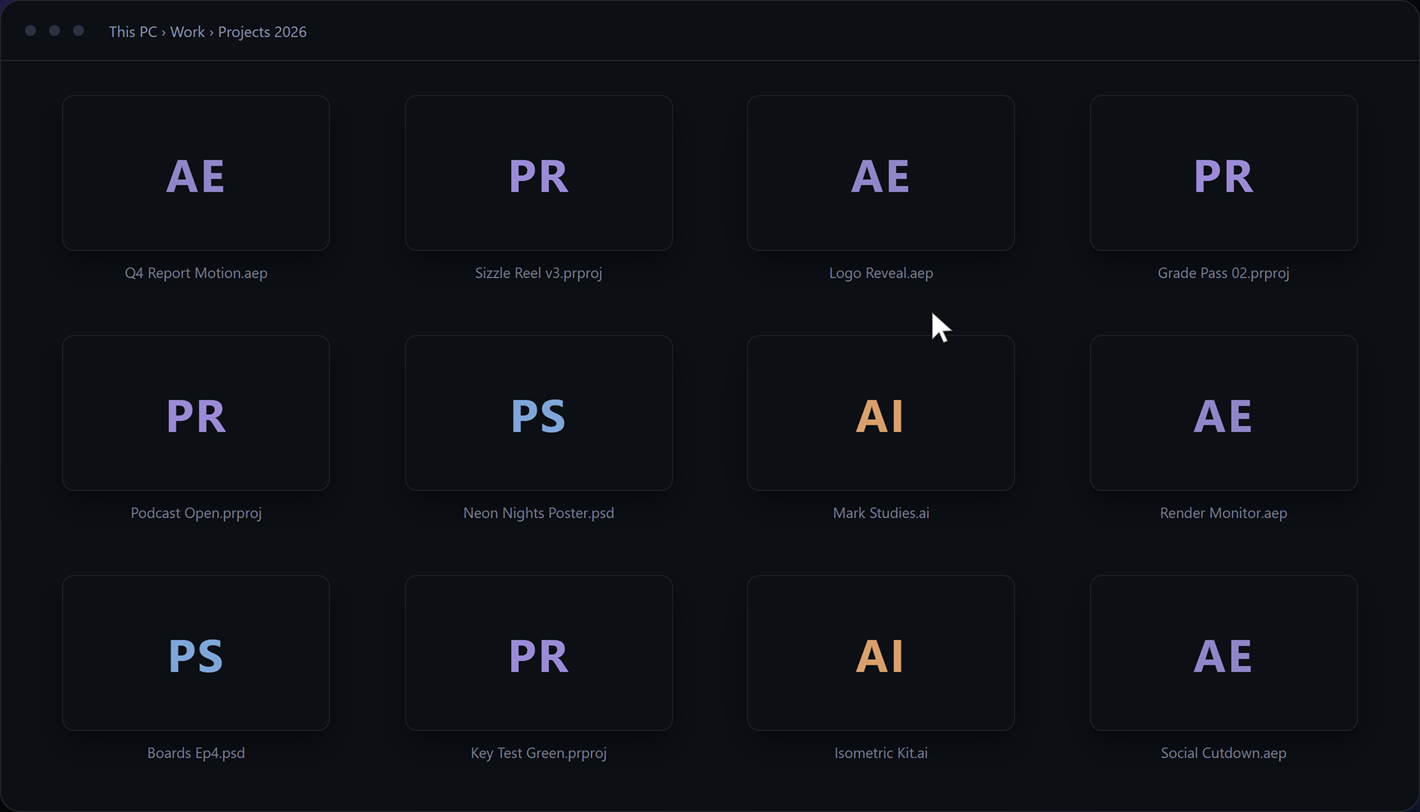
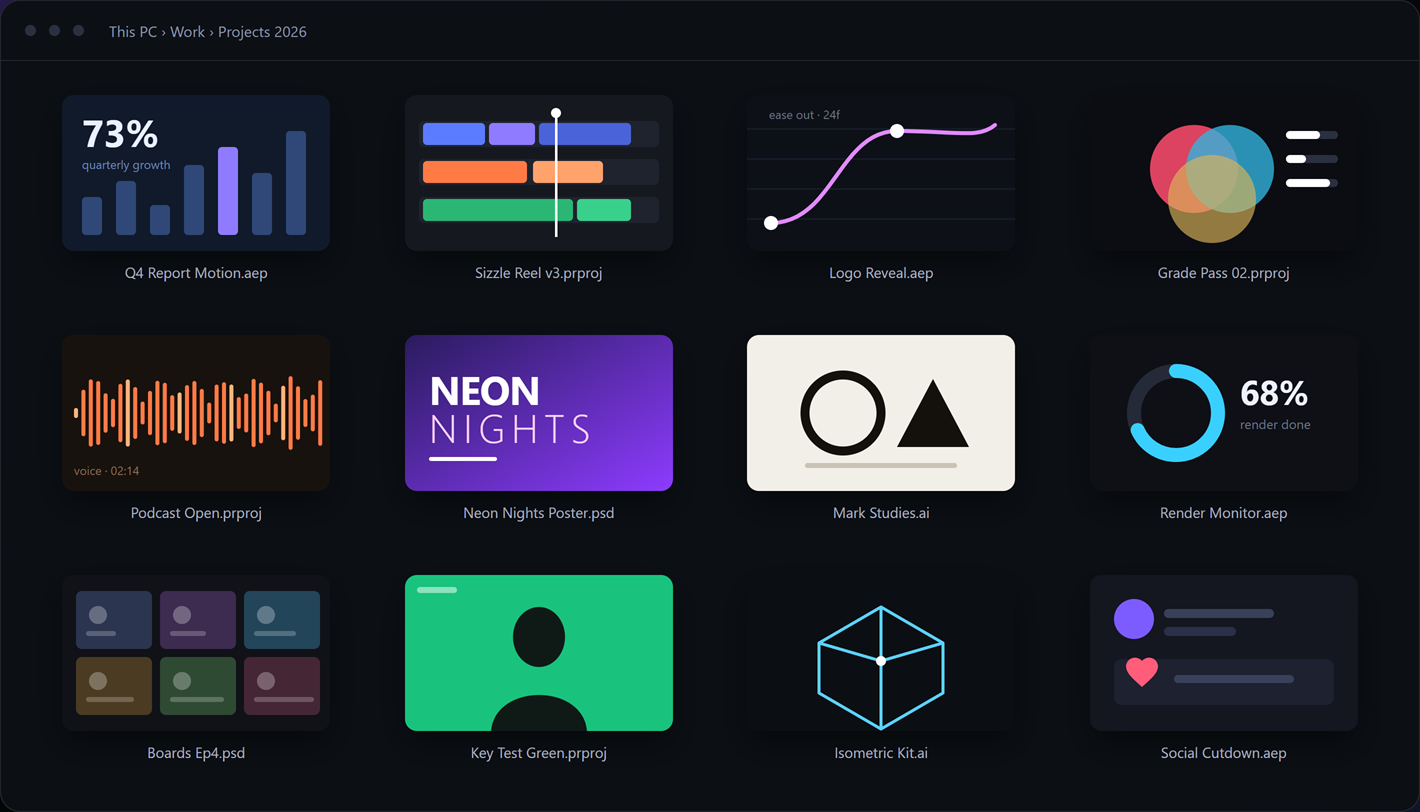
No more opening five files to find one. The picture is already there, in the folder, in search results, in the Open dialog.
See the whole project before you open it
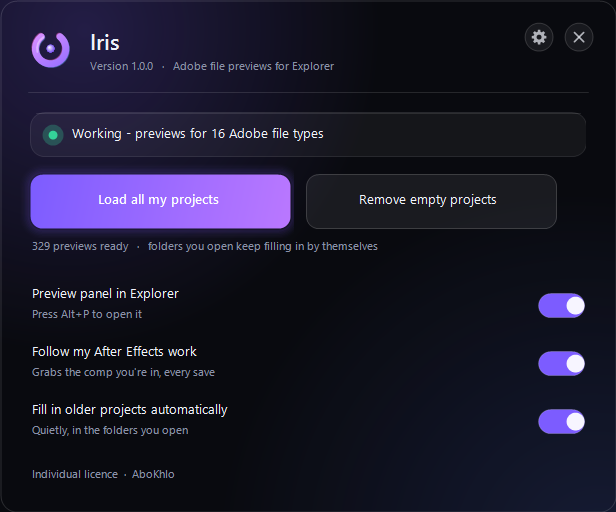
Select a file and press Alt+P: the picture, the comp you were in, its size, when it was saved and every composition inside.
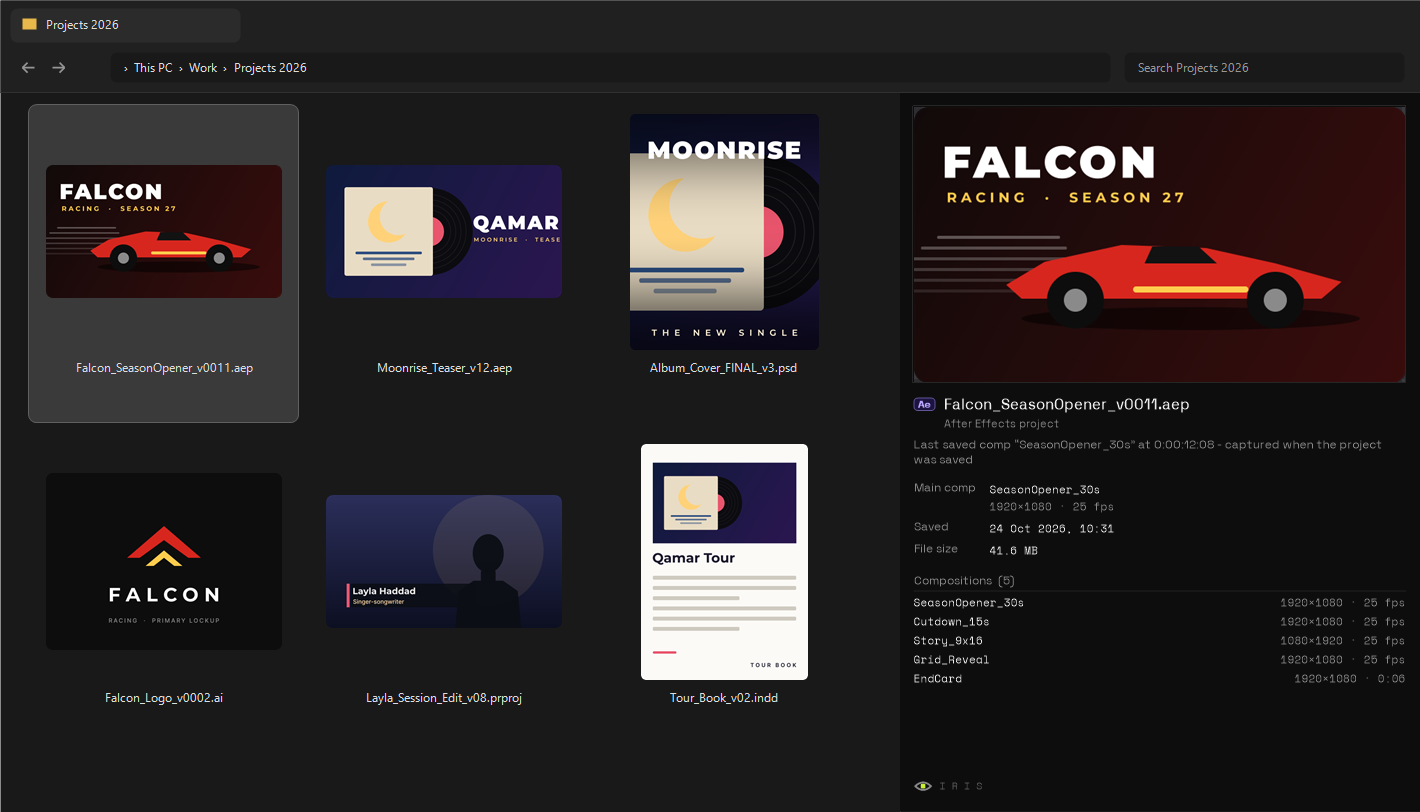
Everything Iris gives you
Hover preview
Rest the mouse: a comp plays 2 seconds
Thumbnails
16 Adobe file types, right in Explorer
Preview pane
Comps, sizes, fonts, dates — Alt+P
Follows After Effects
Shows the comp you were working in
Your whole archive
Loads old projects in the background
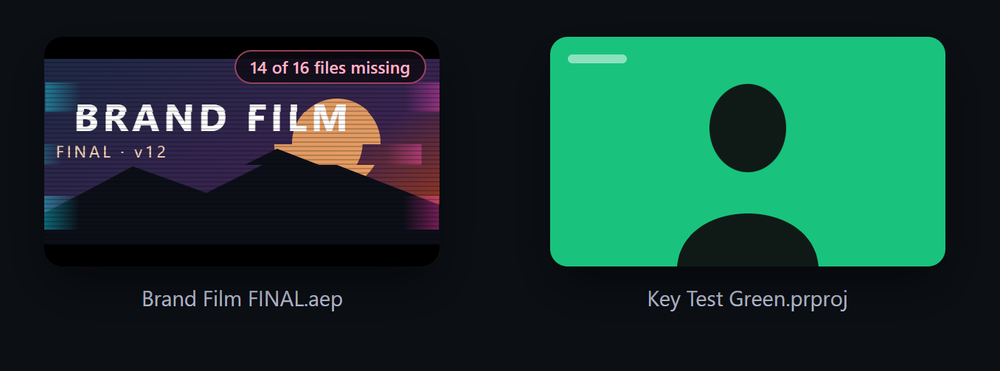
Broken projects stand out
Missing footage shows on the card
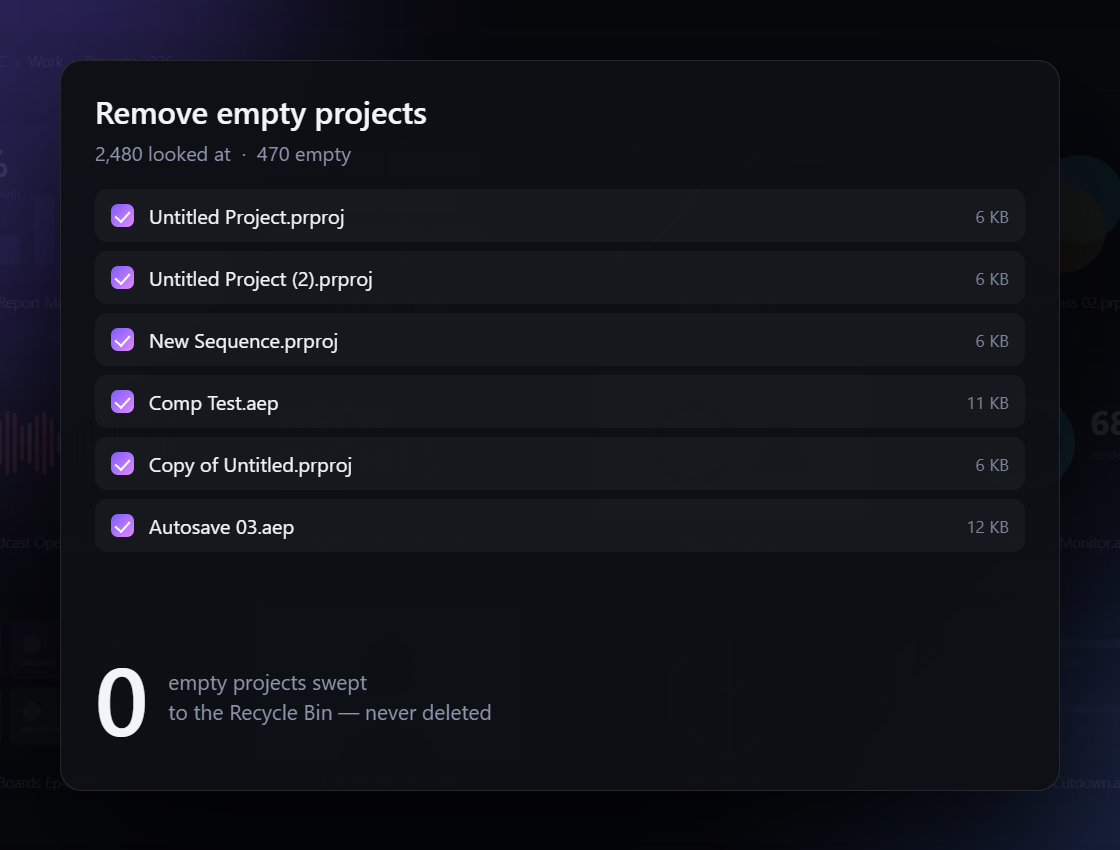
Removes empty projects
To the Recycle Bin, never deleted
Works offline
No account. Your files never leave your PC
What it reads
You do not need Adobe installed to see any of this. Only the live After Effects capture uses your own After Effects.
.psd .psb .psdt
The full flattened image
.ai .ait .eps
The artwork, fonts, swatches
.indd .indt
The page, fonts, page size
.aep .aet
The comp you were in, every comp
.prproj
The frame under the playhead
.mogrt .xd .ase .aco
Poster frames, colours with hex
Two things nobody else does
Set up in one minute
Get it from the Microsoft Store. Everything is free - there is nothing to unlock.
- 01Get it from the Microsoft Store
Press Get on the Iris Preview page. No admin rights.
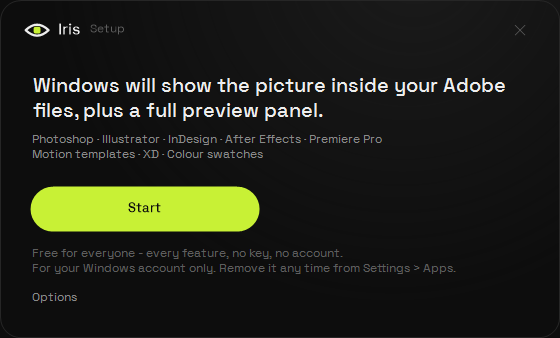
- 02Open it and press Start
No trial, no key, no account. Everything is included.
- 03Open any folder of Adobe files
The pictures are already there. Older projects fill in by themselves.
Download
Every feature is free, for everyone — no trial to run out, no key to buy.
Windows
Windows 10 & 11 · free from the Microsoft Store · updates by itself
Get it from the Microsoft Store- Press Get on the Iris Preview page
- Open it and press Start
- Open any folder of Adobe files
macOS
Iris for Mac is on the way. On a Mac, previews live in Quick Look, so it is being built as its own app.
Coming soon- Previews in Finder and Quick Look
- Free, like the Windows version
Free. For everyone.
Every feature, on every PC. No trial that runs out, no key, no account, no subscription.
- Photoshop, Illustrator, InDesign, XD, templates and swatches
- After Effects + Premiere previews, missing-file warnings
- Alt+P panel + hover: projects play 2 seconds
- Clean up + fill in older projects
Already bought a key? Thank you - it helped make Iris free for everyone. Your key stays valid; there is nothing to do.
Questions
Do I need Adobe apps installed?
No. Iris reads the files itself. Only the "comp I was working in" capture uses your own After Effects.
Does it send my files anywhere?
No. Everything happens on your PC and the previews are stored in your own user folder. Iris never sends your files. The only time it goes online is to check a licence key bought before Iris became free, about once a month. No account, no sign-in, no telemetry.
Is it really free?
Yes - every feature, for everyone, including After Effects and Premiere. No trial, no key, no ads, nothing to unlock later.
Where do I get it?
From the Microsoft Store - search Iris Preview, or press the button above. It installs and updates like any Store app, with no warnings and no admin rights.
Will it slow my PC down?
The helper sits idle almost all the time and uses about 50 MB. Previews of older After Effects projects are only made while you're away from the PC. Switch Iris off any time from its icon next to the clock.
Does it work on projects from another computer, or an older Adobe version?
Yes — it reads the file formats directly, so files from colleagues, old drives and older Adobe versions all work.
I bought a licence before. What now?
Nothing to do - thank you. Your key stays valid and Iris keeps working exactly as before. Questions about your purchase: reply to your Gumroad receipt.
How do I remove it?
Right-click Iris Preview in the Start menu and choose Uninstall (or Settings > Apps). Explorer goes back to plain icons.